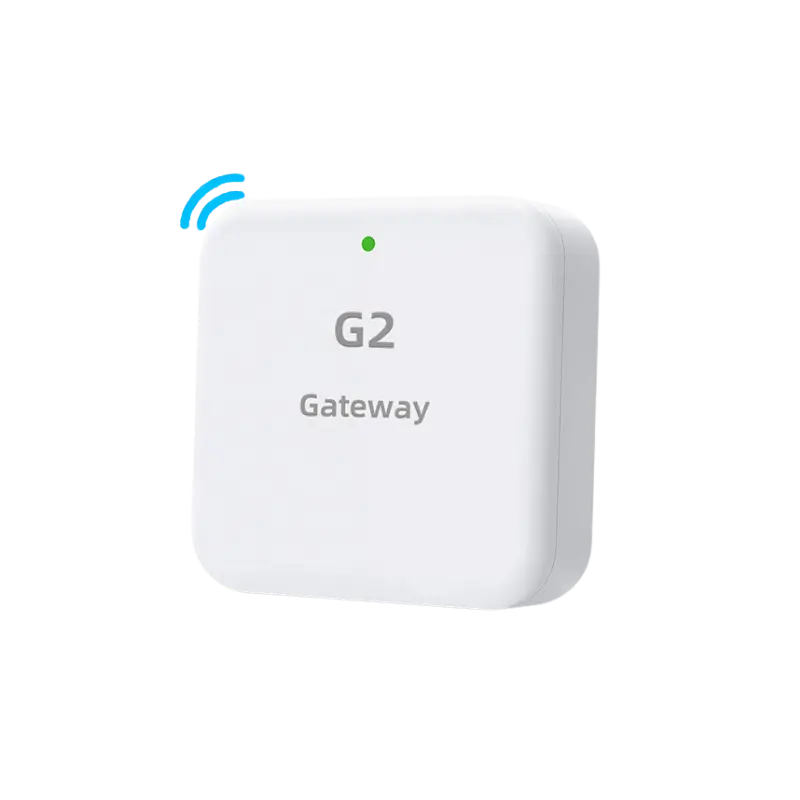
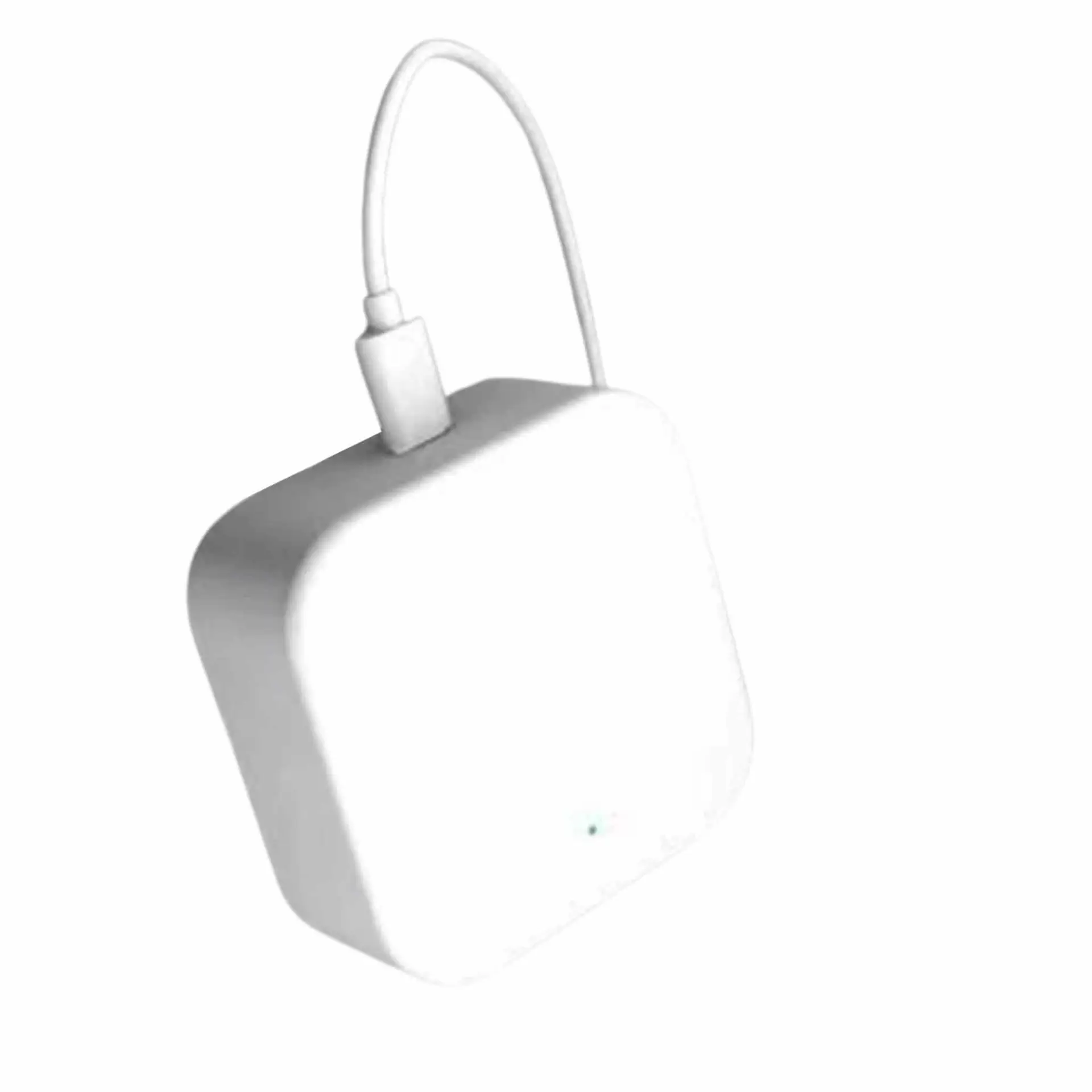
G2 WiFi Gateway
€66.95
Plug it into a socket near the door and the lock stops being a Bluetooth device and starts being an internet one. Unlock from another country, change a guest code at midnight, and watch the entry log as it happens.
- Unlock from anywhere, not just at the door
- Issue and cancel codes remotely
- Live entry notifications
- Plugs into a socket, no wiring
- One gateway can serve more than one lock in range
In stock
What the gateway changes
Out of the box, a smart lock is a Bluetooth device. That covers everybody who is standing at the door, which is most of what most households need. What it does not cover is you, somewhere else, when a guest cannot get in.
The G2 bridges the lock to your WiFi. Once it is plugged in, the same app gains three things that are not possible without it. You can unlock the door from anywhere with a signal. You can create or cancel a code without being near the lock, which is what you want at eleven at night when a booking changes. And the entry log becomes live, so you get a notification as the door opens rather than finding out the next time you walk past.
Who actually needs one
Plenty of households never fit one and are perfectly happy. The people who should are the ones letting in people they are not meeting: short stay hosts, anyone with a holiday home, landlords, and offices where access needs changing during the day.
If you are weighing it up: the question is not whether you want to unlock from your phone, it is whether you will ever need to let someone in while you are not there.
Where to put it
It needs a mains socket and it needs to be within Bluetooth range of the lock, so the same room or the next one. Thick walls shorten that. In a larger building, two gateways are often simpler than hunting for the one position that reaches.
One gateway can serve more than one lock if they are all in range, which makes it better value in a flat with two doors than the price suggests.
Specifications
| Function | Bridges the lock to WiFi for remote control |
|---|---|
| Connection to lock | Bluetooth |
| Network | 2.4 GHz WiFi |
| Power | Mains socket, USB cable supplied |
| Adds | Remote unlocking, remote code management, live entry notifications |
| Multiple locks | One gateway can serve several locks within range |
| Colour | White |
| Suitable for | Short stay rentals, holiday homes, landlords, offices |
Works with these locks
 Smart Lock SLIM€299.00
 Smart Lock SLIM C€299.00
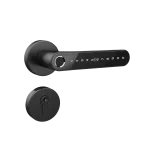 Smart Lock SPLIT€293.00
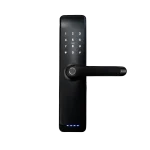 Smart Lock LONG€320.00
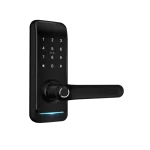 Smart Lock SQUARE€285.95
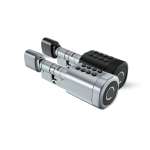 Smart Cylinder C10€268.00
Questions about the G2 WiFi Gateway
Do I need a gateway?
Only if you want to control the lock when you are not near it. Without one the lock works over Bluetooth, which is enough for anyone standing at the door.
How far does it reach?
It talks to the lock over Bluetooth, so it needs to be in the same room or the next one. Thick walls shorten that. In a larger building, two gateways are usually simpler than moving one around.
Does it need an ethernet cable?
No. It connects to your 2.4 GHz WiFi and takes power from a USB plug.
Can one gateway serve two locks?
Yes, as long as both are within range of it.
What happens if the internet goes down?
The lock carries on working exactly as it did before: fingerprints, codes, cards and the key all still work. You lose only the remote features until the connection returns.
Shipping, returns and warranty
Delivered across the EU, free on orders over 150 EUR and 9.90 EUR otherwise. Dispatch takes one to two working days and delivery a further two to five. You can return an unused product within 30 days; return postage is paid by you. Full terms are on the shipping and payment and returns pages.